10 Tips for Hardware Optimization Your Gaming PC Performance
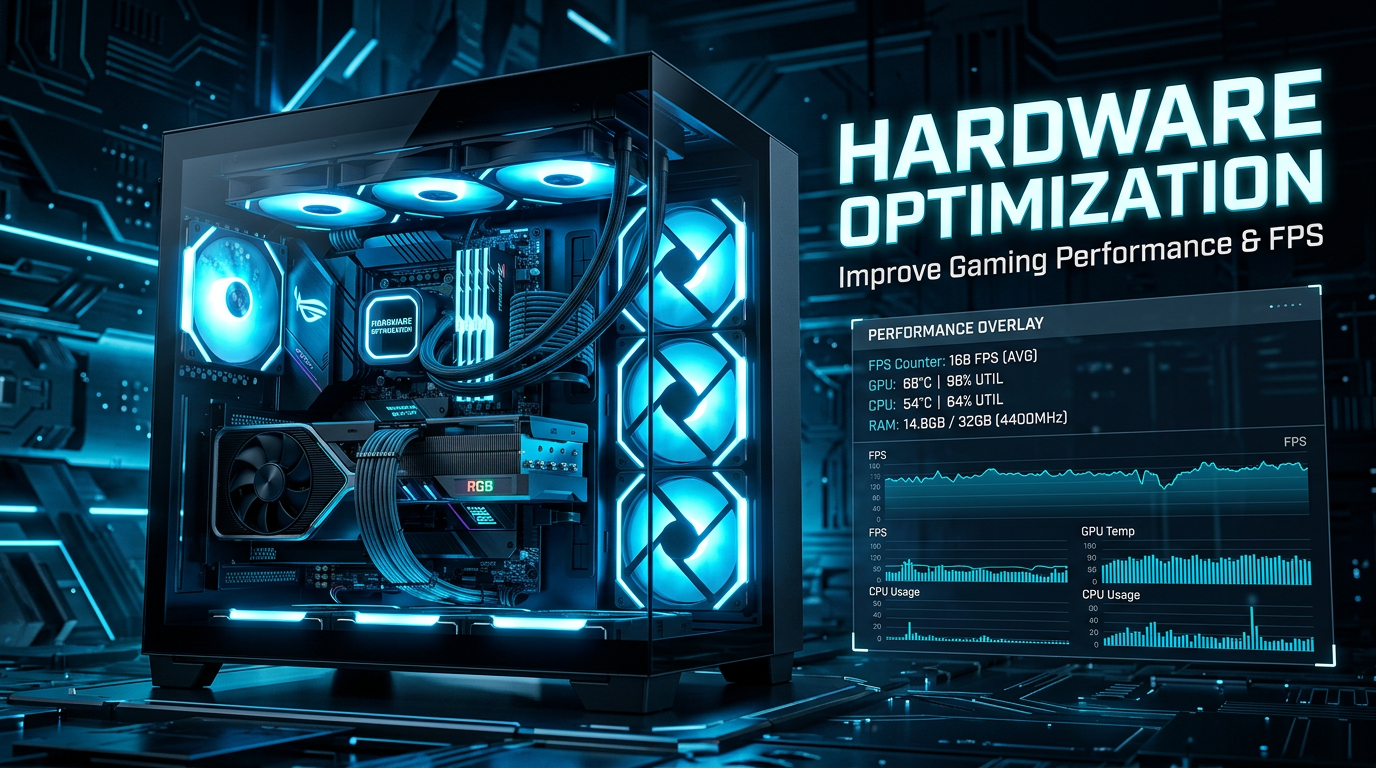
Gaming PC beside text reading HARDWARE OPTIMIZATION, Improve Gaming Performance & FPS, and a performance overlay with FPS, GPU, CPU, and RAM metrics

Hardware Optimization: 10 Powerful Ways to Improve Gaming Performance and FPS
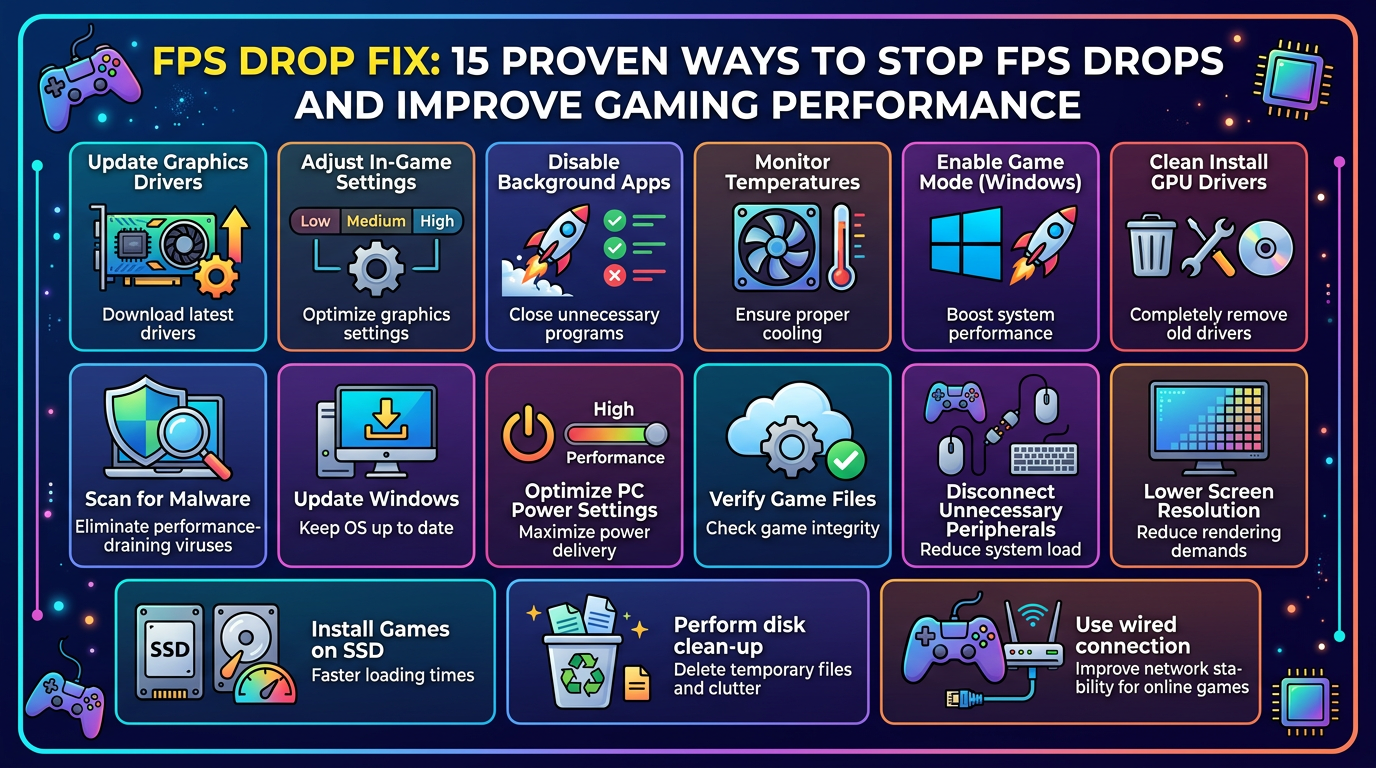
15 Effective FPS Drop Fixes for Gamers

FPS DROP FIX: 15 PROVEN WAYS TO STOP FPS DROPS AND IMPROVE GAMING PERFORMANCE. Update Graphics Drivers—Download latest drivers; Adjust In-Game Settings—Optimize graphics settings; Disable Background Apps—Close unnecessary programs; Monitor Temperatures—Ensure proper cooling; Enable Game Mode (Windows)—Boost system performance; Clean Install GPU Drivers—Completely remove old drivers; Scan for Malware—Eliminate performance-draining viruses; Update Windows—Keep OS up to date; Optimize PC Power Settings—Maximize power delivery; Verify Game Files—Check game integrity; Disconnect Unnecessary Peripherals—Reduce system load; Lower Screen Resolution—Reduce rendering demands; Install Games on SSD—Faster loading times; Perform disk clean-up—Delete temporary files and clutter; Use wired connection—Improve network stability for online games.

FPS Drop Fix: 15 Proven Ways to Stop FPS Drops and Improve Gaming Performance FPS Drop Fix: 15 Proven Ways to Stop FPS Drops and Improve Gaming Performance FPS Drop Fix is one of the most common problems faced by PC gamers. A game may run smoothly at 100 FPS or more and suddenly drop … Read more