Network Lag Fix : 7 Essential Tips for Gamers
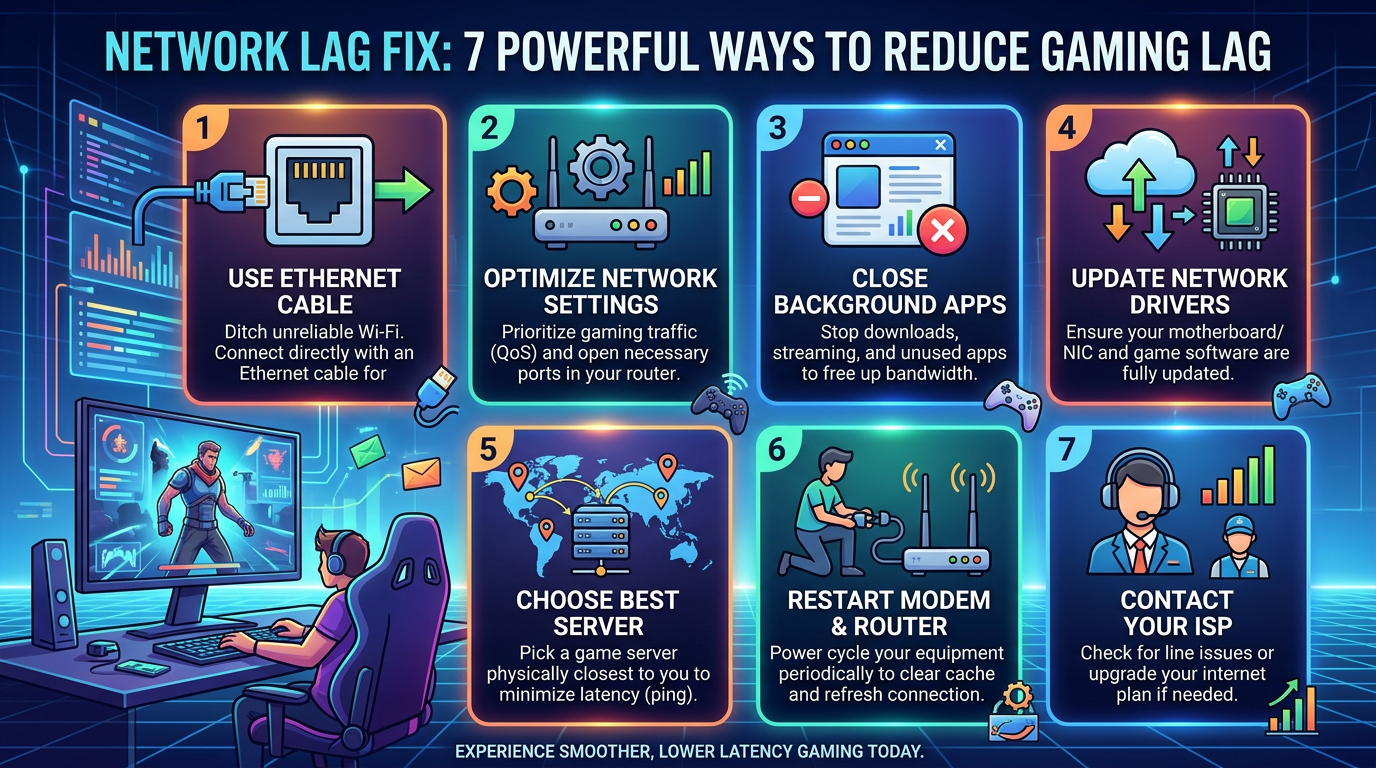
Infographic titled "NETWORK LAG FIX: 7 POWERFUL WAYS TO REDUCE GAMING LAG" with seven tips: "1 USE ETHERNET CABLE — Ditch unreliable Wi-Fi. Connect directly with an Ethernet cable for"; "2 OPTIMIZE NETWORK SETTINGS — Prioritize gaming traffic (QoS) and open necessary ports in your router."; "3 CLOSE BACKGROUND APPS — Stop downloads, streaming, and unused apps to free up bandwidth."; "4 UPDATE NETWORK DRIVERS — Ensure your motherboard/NIC and game software are fully updated."; "5 CHOOSE BEST SERVER — Pick a game server physically closest to you to minimize latency (ping)."; "6 RESTART MODEM & ROUTER — Power cycle your equipment periodically to clear cache and refresh connection."; "7 CONTACT YOUR ISP — Check for line issues or upgrade your internet plan if needed." Bottom text reads "EXPERIENCE SMOOTHER, LOWER LATENCY GAMING TODAY."

Network Lag Fix: 7 Powerful Ways to Reduce Gaming Lag If you are experiencing high ping, sudden lag spikes, rubber-banding, packet loss, or delayed responses while playing online games, a proper Network Lag Fix can make a major difference. Network problems are one of the most common reasons online games feel slow or unresponsive, even … Read more
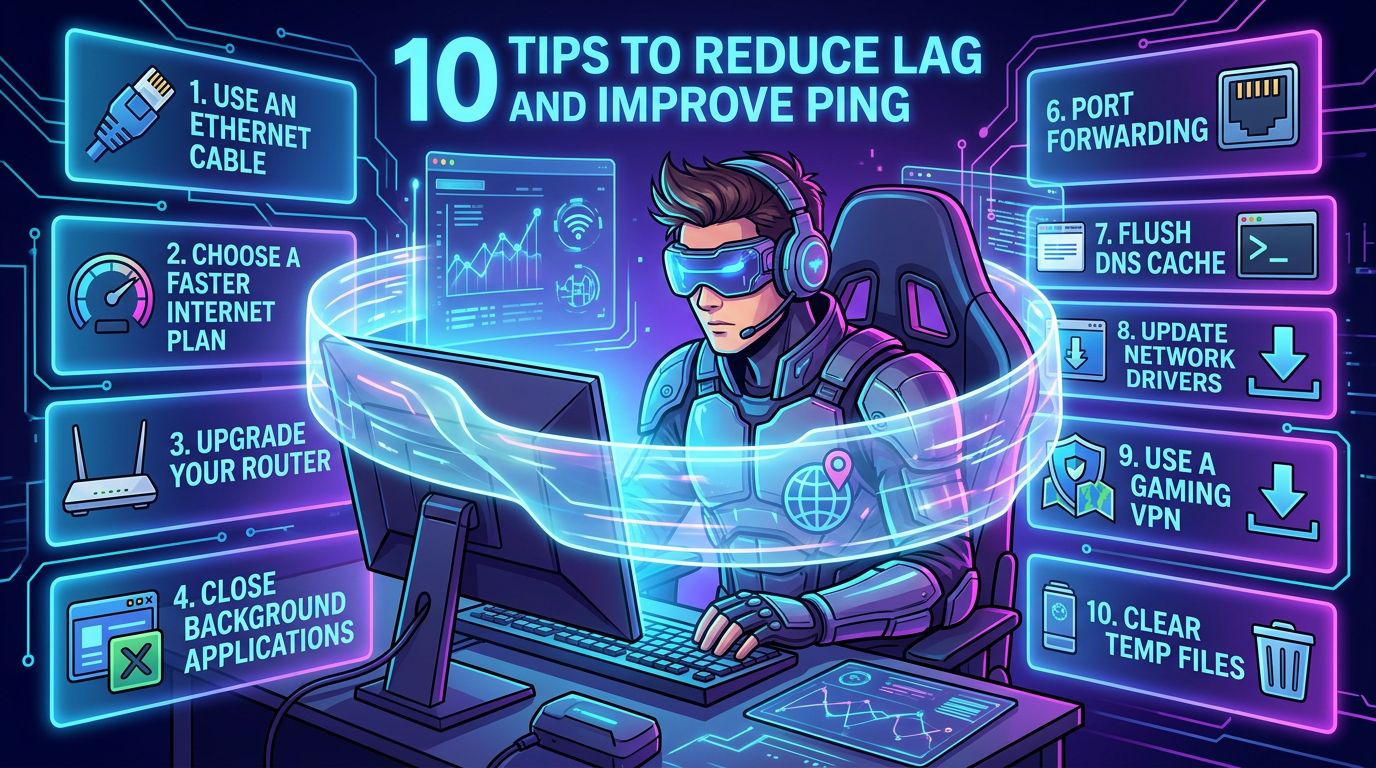
10 Ways to Reduce Gaming Lag and Improve Ping High

Infographic listing ten tips to reduce lag and improve ping

Ping High? 10 Ways to Fix Online Gaming Lag and Lower Ping Ping High during online gaming can turn an enjoyable match into a frustrating experience. Your character may respond late, enemies can appear suddenly, shots may register slowly, and you may even get disconnected from the game server. Whether you play games such as … Read more