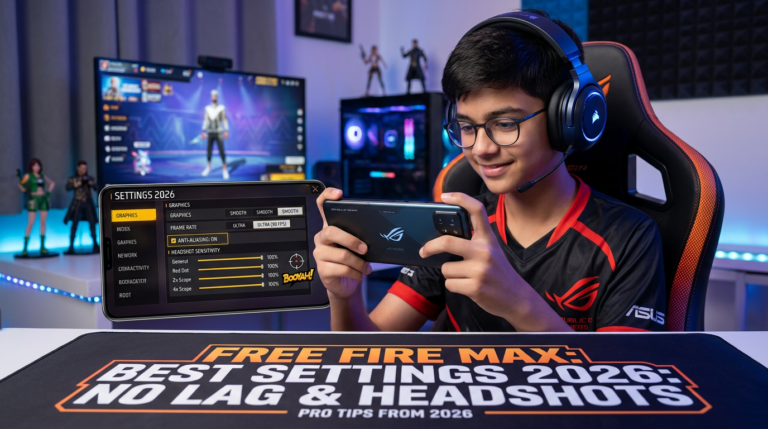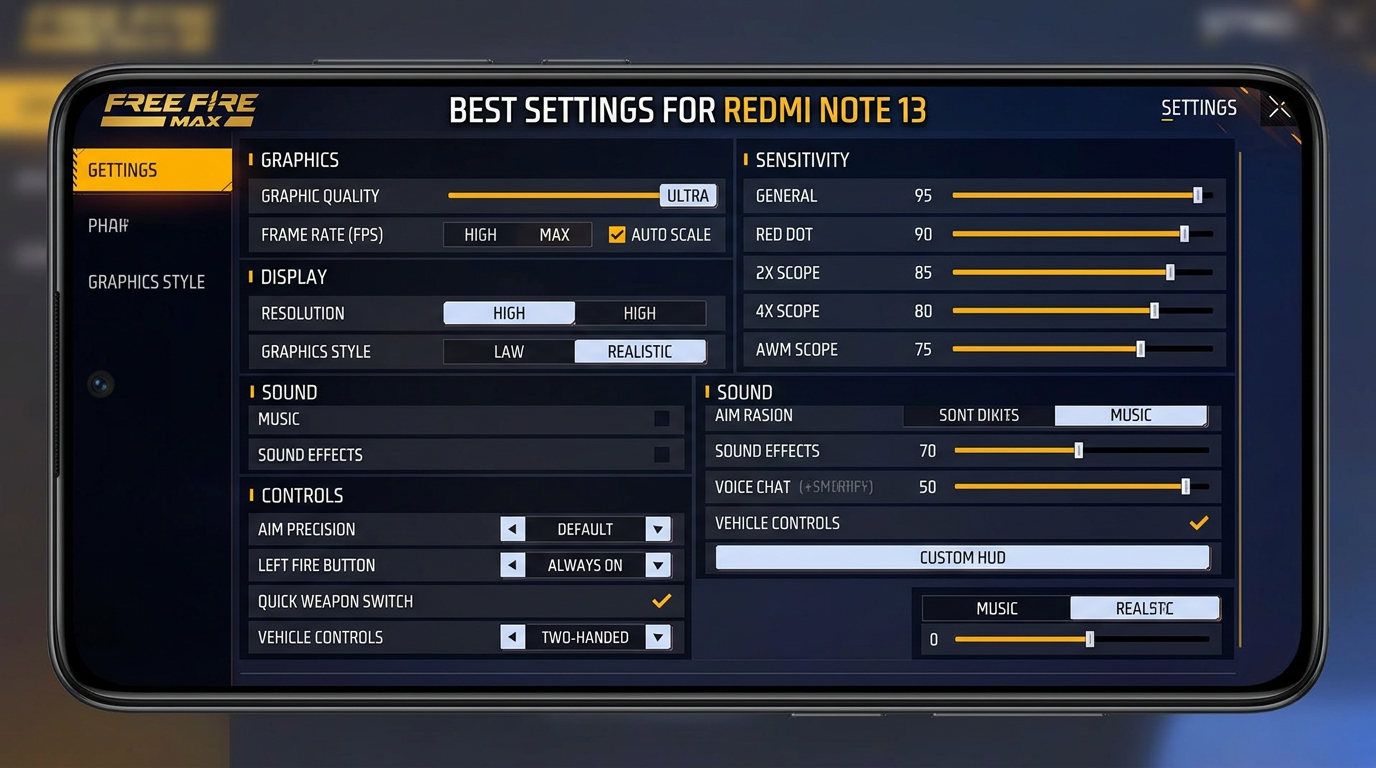
A Free Fire MAX settings screen highlights recommended graphics, sensitivity, sound, and control configurations for the Redmi Note 13.
Redmi Note 13 Free Fire Max Best Settings for No Lag & Headshots
Want smoother gameplay, faster aim and better headshots on your Redmi Note 13? In this complete guide, we will show you the best Redmi Note 13 Free Fire Max Best Settings for reducing lag, improving touch response, controlling sensitivity and getting more consistent headshots.
Garena Free Fire MAX can run smoothly on many modern Android smartphones, but the actual gaming experience depends on your graphics settings, sensitivity, touch response, network connection, background apps and device temperature. The right combination of settings can make a noticeable difference.
This guide is designed for Redmi Note 13 users who want a practical setup for everyday Free Fire MAX gameplay without using risky third-party applications or game-modifying tools.
Table of Contents
- Why Settings Matter on Redmi Note 13
- Best Graphics Settings
- Redmi Note 13 Free Fire Max Best Settings for Sensitivity
- Best Controls for Headshots
- How to Reduce Lag
- Network Settings
- How to Control Heating
- DPI and Touch Settings
- Headshot Training Tips
- Common Mistakes to Avoid
- Frequently Asked Questions
Why Redmi Note 13 Settings Matter in Free Fire MAX
Free Fire MAX is a fast-paced battle royale game where small differences in aim control can affect your performance. A player may have good reflexes, but poor sensitivity or unstable FPS can make accurate aiming more difficult.
The Redmi Note 13 offers hardware that can provide a good gaming experience, but you should still optimize the game according to your preferred play style. You do not necessarily need the highest possible graphics quality. For competitive gameplay, stable performance is usually more important than visual effects.
The main goal of these Redmi Note 13 Free Fire Max Best Settings is to create a balance between smooth movement, responsive controls and reliable aiming.
Best Free Fire MAX Graphics Settings for Redmi Note 13
Graphics settings have a direct effect on performance. If your phone becomes hot or FPS drops during intense fights, lowering visual quality can help maintain smoother gameplay.
Recommended Graphics Setup
| Setting | Recommended Option |
|---|---|
| Graphics | Smooth |
| High FPS | High / Highest Available |
| Auto Scale | Off if available and performance is stable |
Start with Smooth graphics and the highest stable FPS option available in your game. If you experience frame drops, heating or battery drain, reduce the FPS setting and test again.
For competitive matches, stable FPS is generally more useful than maximum graphics quality because it helps your camera movement and aim feel more consistent.
Redmi Note 13 Free Fire Max Best Settings for Sensitivity
Sensitivity is one of the most important parts of a good headshot setup. There is no single sensitivity value that works perfectly for every player. Finger size, screen protector, touch habits and preferred weapons can all change the ideal configuration.
However, the following is a useful starting point for Redmi Note 13 players:
| Sensitivity | Starting Value |
|---|---|
| General | 95 |
| Red Dot | 90 |
| 2X Scope | 82 |
| 4X Scope | 72 |
| Sniper Scope | 55 |
| Free Look | 75 |
These values are a starting point rather than a guaranteed headshot formula. Try them in Training Ground before using them in ranked matches. If your crosshair moves too quickly, lower General and Red Dot sensitivity slightly. If your drag feels slow, increase them gradually.
How to Adjust Sensitivity for Headshots
Do not change every sensitivity option at once. Start with General and Red Dot. Play several training sessions and observe your aim.
If your crosshair frequently goes above the enemy’s head, reduce the sensitivity a little. If your crosshair remains around the chest when performing a drag, increase the sensitivity slightly.
Small changes of 2–5 points can make a significant difference. Give yourself enough time to adapt instead of changing settings after every match.
Best Controls for Headshots
Good sensitivity works better when your control layout is comfortable. A two-finger layout is simple for beginners, while a three-finger or four-finger setup can provide faster access to shooting, jumping, crouching and movement.
Recommended HUD Setup
- Keep the fire button in a comfortable position.
- Use a fire button size that allows easy dragging.
- Keep jump and crouch buttons close enough for quick movement.
- Avoid placing important buttons too close together.
- Use Training Ground to test the HUD before ranked matches.
For players who mainly use drag headshots, the fire button should have enough space around it for controlled upward movement.
How to Reduce Lag on Redmi Note 13
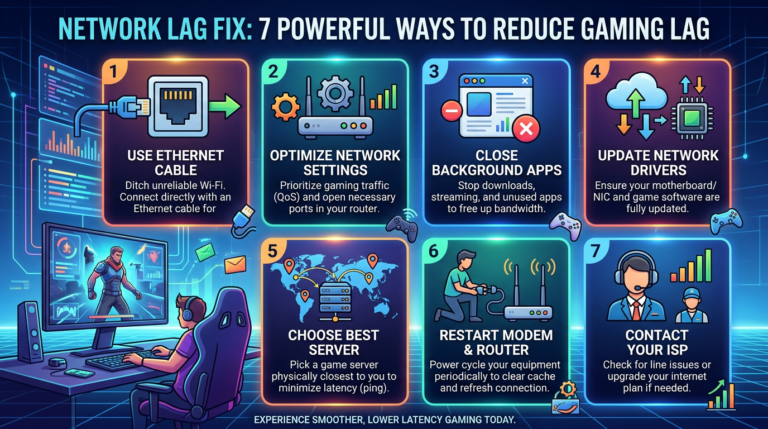
Lag is not always caused by the phone itself. Background applications, network instability, low storage, overheating and server-side issues can also affect gameplay.
Before Starting Free Fire MAX
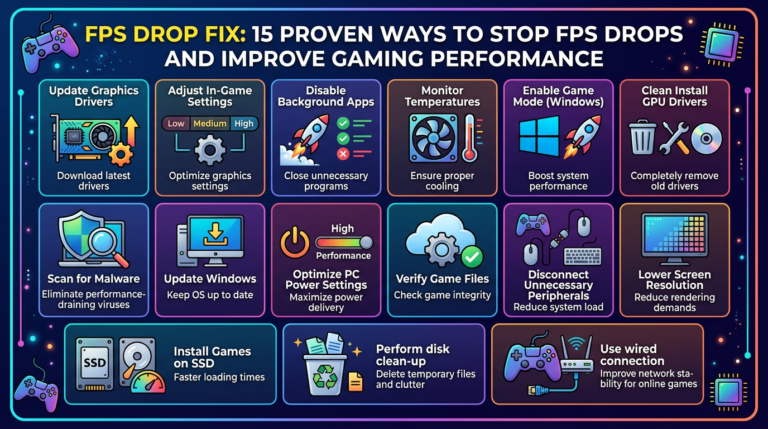
- Close unnecessary background applications.
- Restart the phone if it has been running for a long time.
- Keep sufficient free storage space.
- Turn off unnecessary downloads and updates.
- Use a stable Wi-Fi or mobile data connection.
- Avoid playing while the phone is extremely hot.
You can also use the phone’s built-in performance or game-related features if your particular Redmi software version provides them. Avoid unknown “FPS booster” APKs because unofficial applications can create security and account risks.
For more gaming-related tips and useful resources, visit LagFix Gamer Hub.
Network Settings for Smooth Gameplay
A fast internet connection alone does not guarantee low ping. Connection stability is equally important.
If you are using Wi-Fi, try to play closer to your router. Avoid heavy downloads or video streaming on the same network while playing. If mobile data provides a more stable connection in your location, compare both connections and use the one with lower and more consistent latency.
Do not use random VPN applications simply to reduce ping. A VPN can sometimes increase latency depending on the server route.
How to Control Redmi Note 13 Heating While Gaming
Long gaming sessions can increase device temperature. As the phone gets hotter, performance may become less consistent.
- Remove thick cases during long gaming sessions if practical.
- Play in a cool and ventilated environment.
- Avoid direct sunlight.
- Take short breaks during extended sessions.
- Avoid demanding background applications.
- Do not cover the phone’s ventilation area with blankets or cushions.
If your phone becomes unusually hot, stop playing and allow it to cool naturally. Do not place a hot phone into a freezer or use extreme cooling methods.
DPI and Touch Settings
Many Free Fire players search for a special DPI value that supposedly guarantees headshots. In reality, there is no universal DPI setting that automatically produces headshots.
Changing Android system settings unnecessarily can make the interface uncomfortable or affect other applications. If your current touch response already feels good, there is no need to make aggressive DPI changes just because a video recommends them.
Instead, focus on in-game sensitivity, HUD placement and consistent practice.
Headshot Training Tips for Redmi Note 13
Settings alone cannot guarantee headshots. Mechanical skill still matters. Spend time in Training Ground before playing ranked matches.
Practice the Drag Technique
Place your crosshair around the upper body area, press the fire button and make a controlled upward movement. Do not drag too aggressively. The objective is to develop consistent muscle memory.
Practice with different weapons because each weapon can feel different. Start with weapons that you are comfortable using and gradually practice with other weapon categories.
Practice Movement and Aim Together
Good Free Fire gameplay is not only about standing still and aiming. Practice strafing, jumping, crouching and changing direction while maintaining control of your crosshair.
Try to develop a routine where you spend a few minutes in Training Ground before competitive matches. Consistent practice is more useful than constantly copying new sensitivity settings from social media.
Common Redmi Note 13 Free Fire MAX Mistakes
1. Using Maximum Graphics All the Time
Higher graphics can look attractive, but competitive players often prioritize stable performance. If high graphics causes frame drops, switch to a lower setting.
2. Changing Sensitivity Every Day
Your hands need time to adapt. Constantly changing sensitivity can make your aim inconsistent.
3. Installing Unknown Booster Apps
Be careful with third-party game boosters, modified APKs and applications that request unnecessary permissions. Use built-in phone features whenever possible.
4. Ignoring Temperature
Long sessions in a hot environment can reduce performance. If the phone becomes very warm, take a break.
5. Blaming Ping for Every Problem
Not every aiming problem is caused by internet latency. Poor sensitivity, FPS drops and lack of practice can also affect gameplay.
Recommended Redmi Note 13 Free Fire MAX Setup
Here is a quick configuration you can test:
- Graphics: Smooth
- FPS: Highest stable option available
- General Sensitivity: 95
- Red Dot: 90
- 2X Scope: 82
- 4X Scope: 72
- Sniper: 55
- Free Look: 75
- HUD: Comfortable custom layout
- Network: Stable Wi-Fi or mobile data
Remember that these are recommended starting values. Your ideal configuration may be slightly higher or lower depending on your play style and touch response.
Useful Resources for Gamers
If you enjoy gaming and technology content, you can explore more guides on LagFix Gamer Hub.
You can also explore FreeAIToolsAyoob.com for free AI tools and useful online resources. The site also features a kids’ section with games and other family-friendly digital resources.
For official Free Fire MAX information, always prefer official Garena resources and your game’s official support channels rather than downloading modified versions of the game.
Visit the official Free Fire website
Frequently Asked Questions
What is the best sensitivity for Redmi Note 13 Free Fire MAX?
A good starting point is General 95, Red Dot 90, 2X Scope 82, 4X Scope 72 and Sniper 55. Adjust these values gradually according to your personal aim.
How can I get more headshots on Redmi Note 13?
Use a comfortable HUD, suitable sensitivity and practice controlled drag movements. Headshots cannot be guaranteed by a particular setting alone.
Does changing DPI guarantee headshots?
No. DPI does not automatically produce headshots. Aim control, sensitivity, touch response and practice are more important.
How do I reduce Free Fire MAX lag?
Use stable internet, close unnecessary background applications, maintain free storage and avoid playing when the phone is excessively hot. Lower graphics if you experience FPS drops.
Should I use a third-party lag fixer?
It is safer to avoid unknown applications that modify or interfere with the game. Use your phone’s built-in performance tools and the game’s own settings whenever possible.
Are these settings guaranteed to give headshots?
No. These settings are designed as a practical starting point. Every player has different touch habits, so you should test and fine-tune the values.
Final Verdict
The best Redmi Note 13 Free Fire Max Best Settings are not about finding one magical sensitivity number. The best results come from combining stable FPS, suitable graphics, comfortable controls, reliable internet and regular aim practice.
Start with the settings in this guide, spend some time in Training Ground and make small adjustments. If your aim feels too fast, reduce sensitivity. If your drag feels slow, increase it gradually.
Most importantly, avoid unofficial APKs, suspicious booster applications and unrealistic “100% headshot” claims. A stable phone, good settings and consistent practice will give you a much better gaming experience.
Bookmark this guide and return later when you want to fine-tune your Redmi Note 13 Free Fire MAX settings.

About the Author